Device Administration
Using the Frontend
Log into the frontend at https://www.vathos.vision. A list of devices can be seen under the tab Devices:
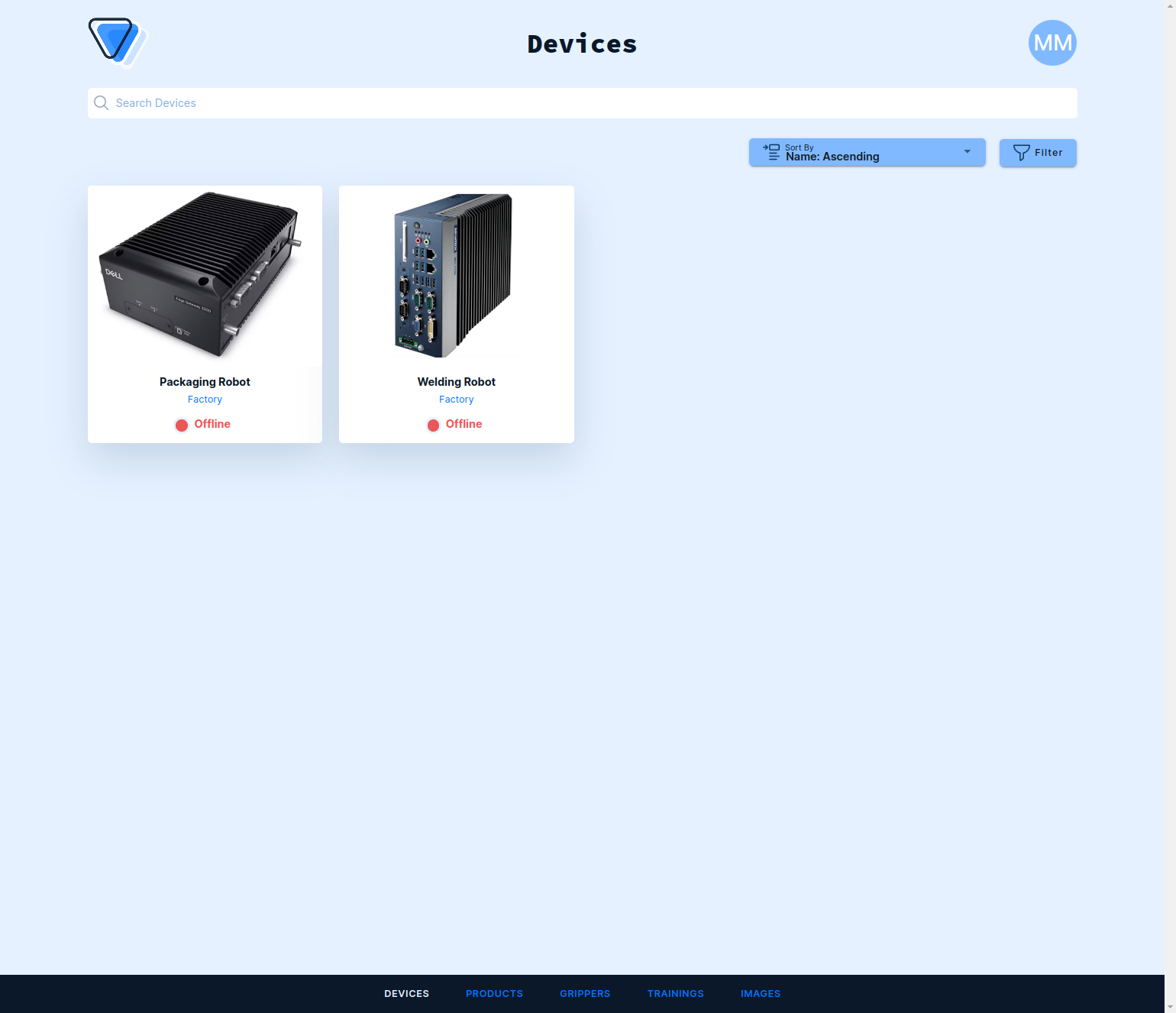
There is an icon on every tile telling you whether the device is currently connected to the internet and can exchange data with the cloud (e.g., recorded images or trained AI models). Click on the device to edit its properties such as name or physical location. Note that you are not allowed to create devices, neither here nor by making API calls. Devices will automatically appear once commissioned by us or one of our partners.
Using the API
Devices are listed by a simple GET request:
GET https://api.vathos.net/v1/devices
Authorization: Bearer $TOKEN
You can add a suitable query string to filter and sort the result according to your needs.