Defining Grips
Using the Frontend
Log into the frontend at https://www.vathos.vision. Navigate to the product to which you want to define grips. Make sure that a gripper is assigned. Click the blue Add Grips button in the top-right corner of the page. A list of stable physical states will appear. The 3D viewer adjusts the visualization when you hover of the items if the list.
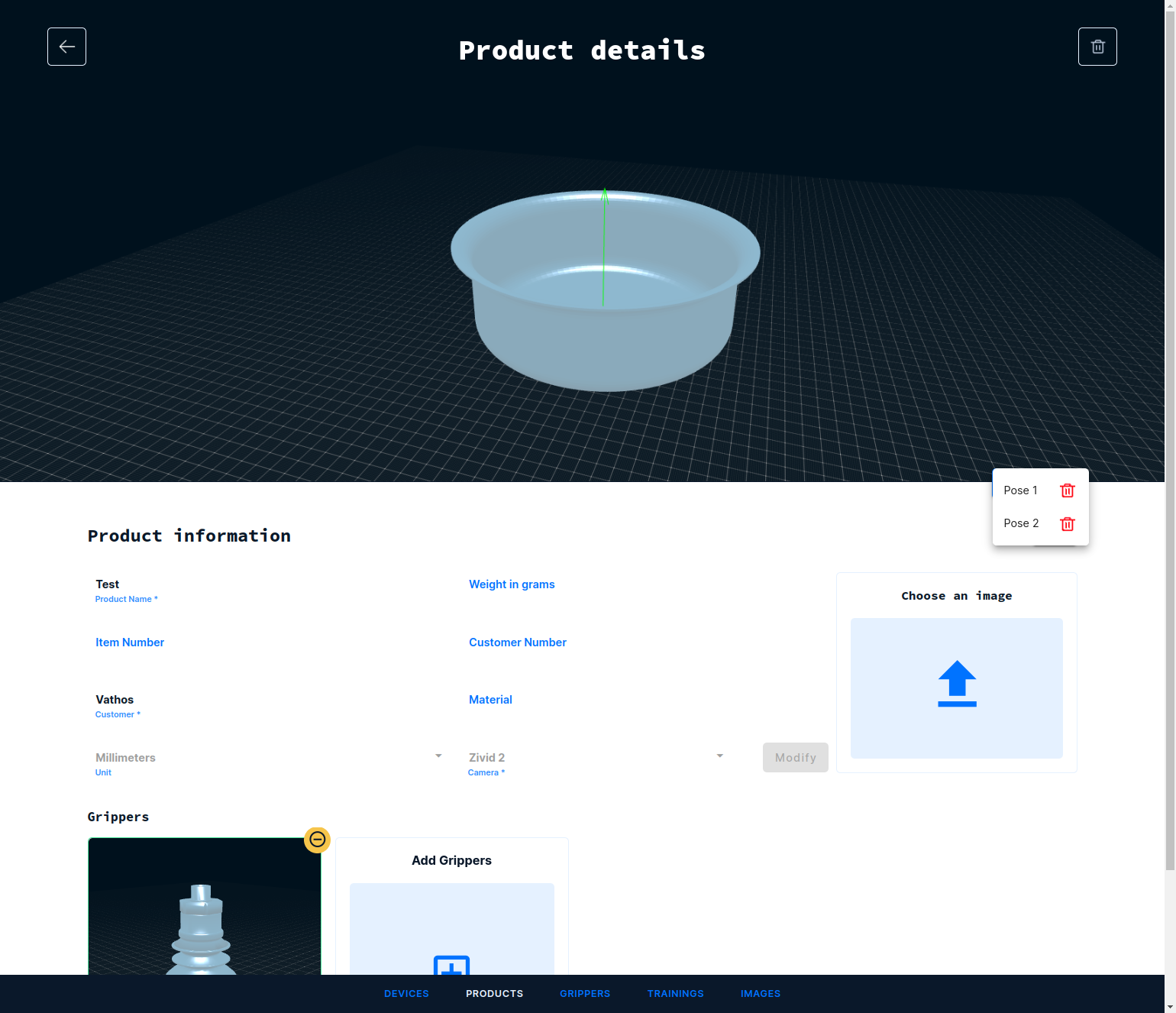
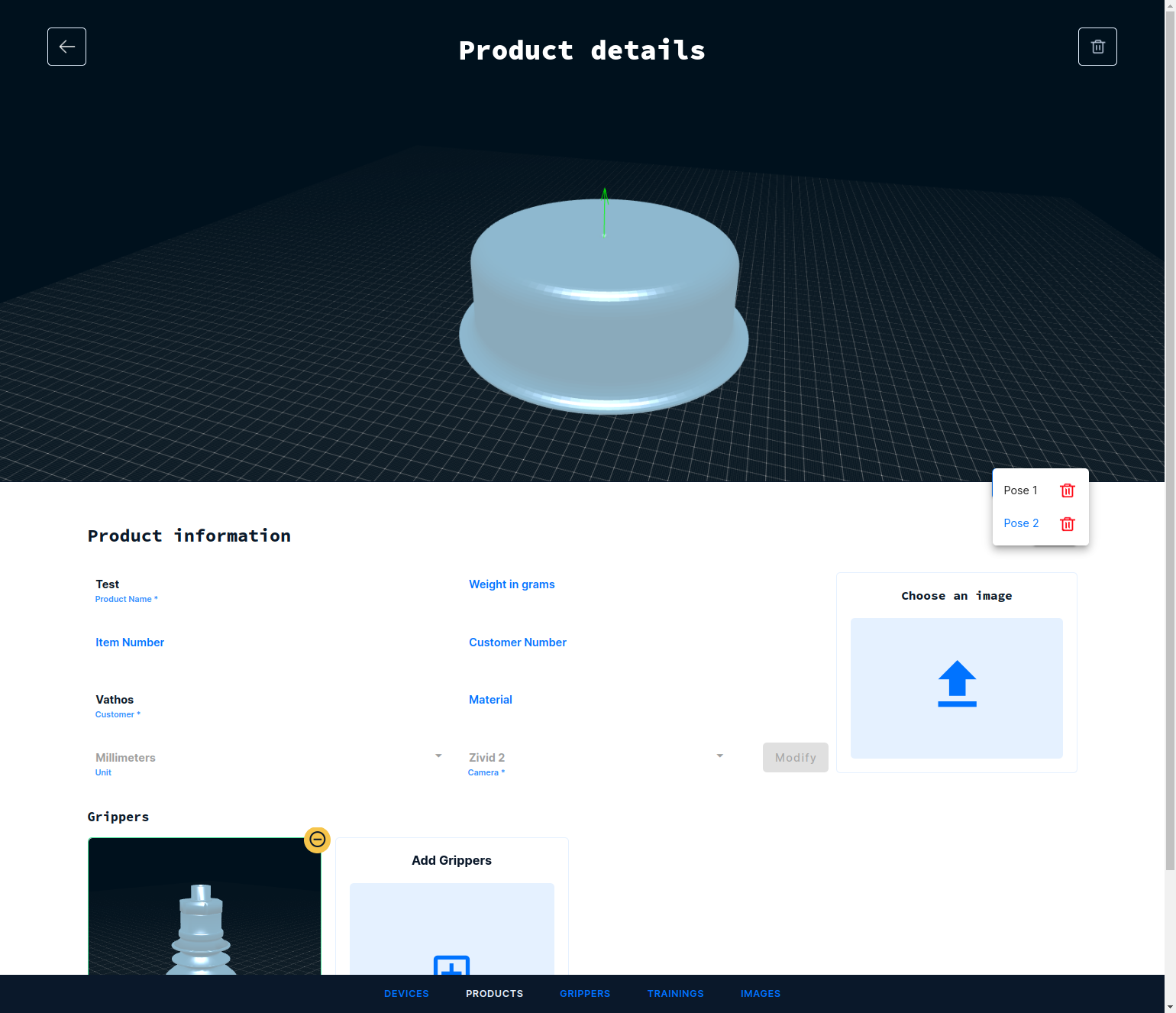
Make sure at this point to delete any spurious states or those you know will never appear in your actual process. This will increase the efficiency of all involved services down the line.
Click on the list item so that a settings modal will appear. You can drag the modal to a convenient position on the screen by dragging it along its top-left hatched corner.
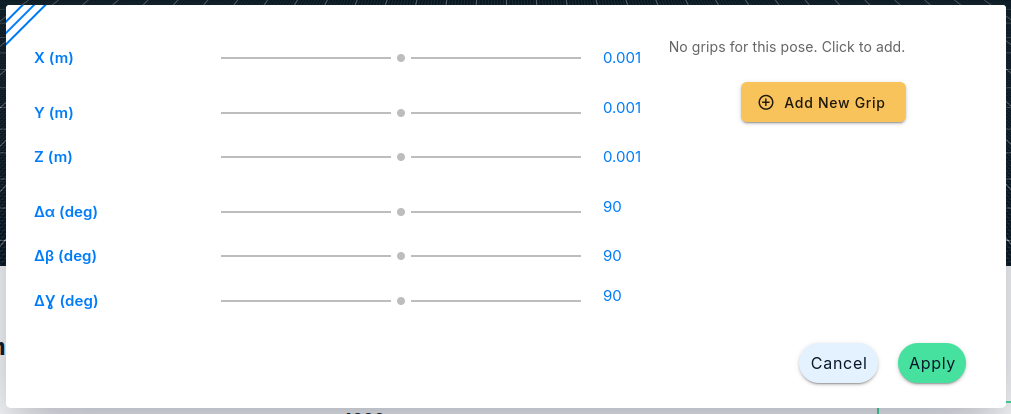
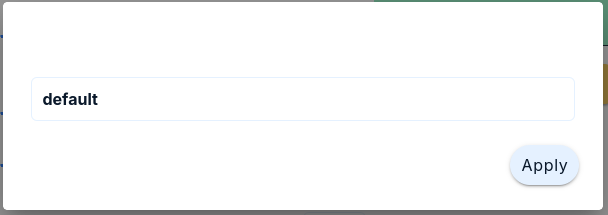
It is possible to define multiple alternative grips per object state. Our services will inspect all grips in the order they are defined here and will return the first collision-free one. Click on the yellow button Add New Grip to add a new grip to the list. Then, assign a name in the dialog that pops up.
Now, three orthogonal axes representing the TCP coordinate system appear (red for \(x\), green for \(y\), and blue for \(z\)), and optionally also a model of the gripper if this was uploaded when the gripper was created. All six spatial degrees of freedom can be controlled through sliders to position the TCP relative to the detected object for picking. Changes are applied to last TCP frame similar to how you would jog the robot in its tool frame.
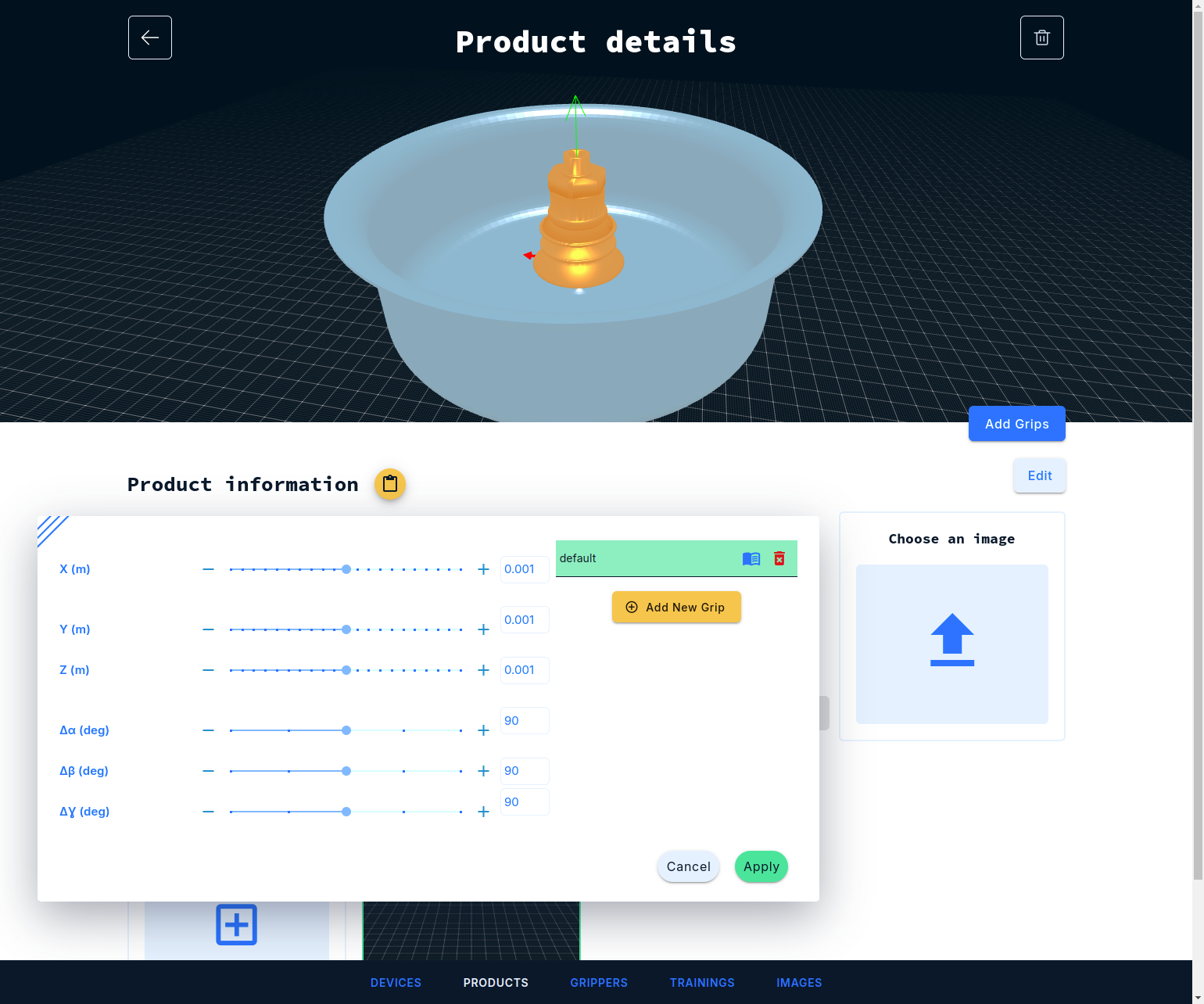
Once satisfied with the gripping pose, hit Apply and the result is automatically saved.
It is possible to keep a state yet omit grip assignment. In this case, objects in that particular state will be identified but no further time-consuming processing takes place to localize them. States without a grip will never be returned to a robot client for picking.
Using the API
A grip can be created by the following request:
POST https://api.vathos.net/v1/grips
content-type: application/json
authorization: Bearer $TOKEN

{
    "name": "Pick from above",
    "gripper": "65c64eb94765ec3b546e4210",
    "state": "65c64ebf35c5f9834fff33ac",
    "frame": [1, 0, 0, 0, 0, 1, 0, 0, 0, 0, 1, 0, 0, 0, 0.1, 1]
}
Make to add some human-readable name to the data. Also a reference to the gripper and the state to which the grip applies are required. The property frame contains a \(4\times 4\) transformation matrix in column-major ordering which defines the desired relationship between gripper and object coordinate systems. The response will contain the id of the new grip. This has to be appended to the list of grips already assigned to other states in the product. Retrieve the product first
GET https://api.vathos.net/v1/products/65c64f493a3ce797d55540c3
authorization: Bearer $TOKEN
to obtain for example (details omitted):
{
    "_id": "65c64f493a3ce797d55540c3",
    "grips": ["65c64f8b344847268cc9134e", "65c64f9416627f249a08d5ec"]
}
Append the id of the new grip to the list of existing grips and patch the product with the result:
PATCH https://api..vathos.net/v1/grips
content-type: application/json
authorization: Bearer $TOKEN

{
    "grips": ["65c64f8b344847268cc9134e", "65c64f9416627f249a08d5ec", "65c6503542361b1c1dccfebc"]
}