Keyence 3D VGR Cameras
Acquiring and Exporting Depth Maps
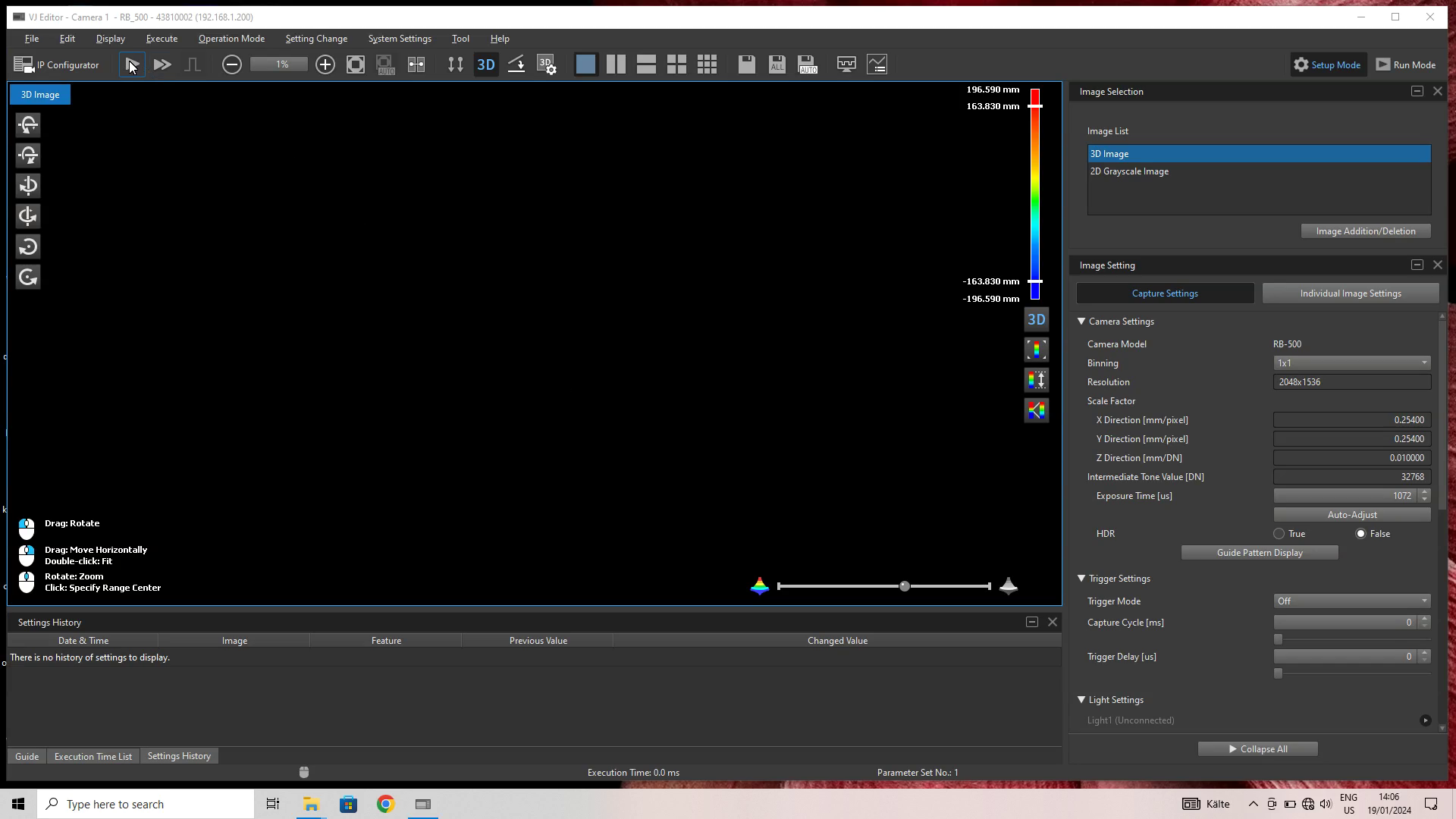
Download and install the required SDK from the VJ support site. Make sure your camera is accessible through the local network from the PC used for image capture. Start the VJ Editor and record images by clicking on the play icon in the top-left area of the screen:
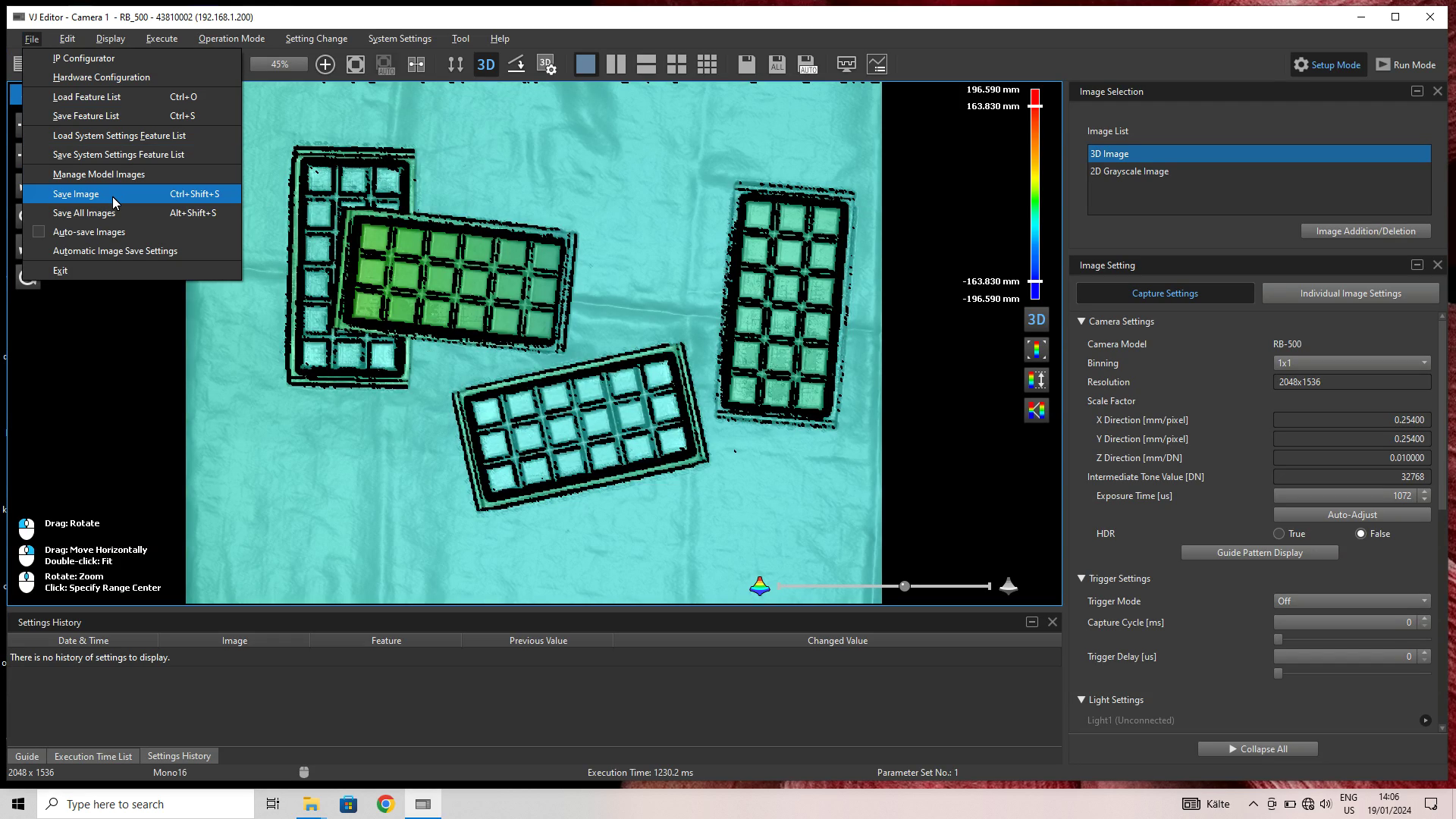
To export the image to disk, click File → Save Image:
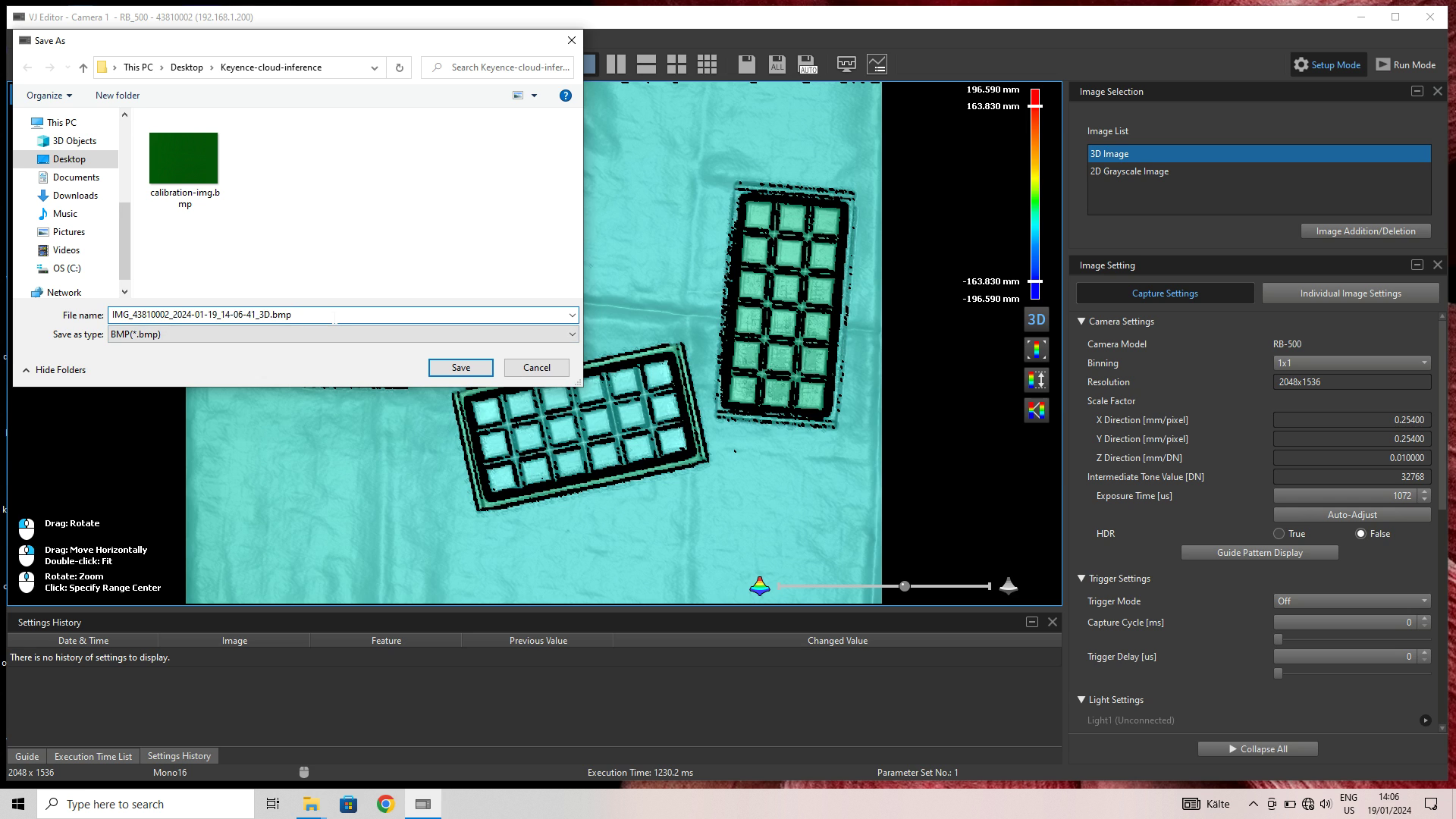
Make sure to select BMP as the file type so that the image is fit for upload and processing through the Vathos API:
Tested with:
- RB-500