Photoneo 3D Sensors
Acquiring and Exporting Depth Maps
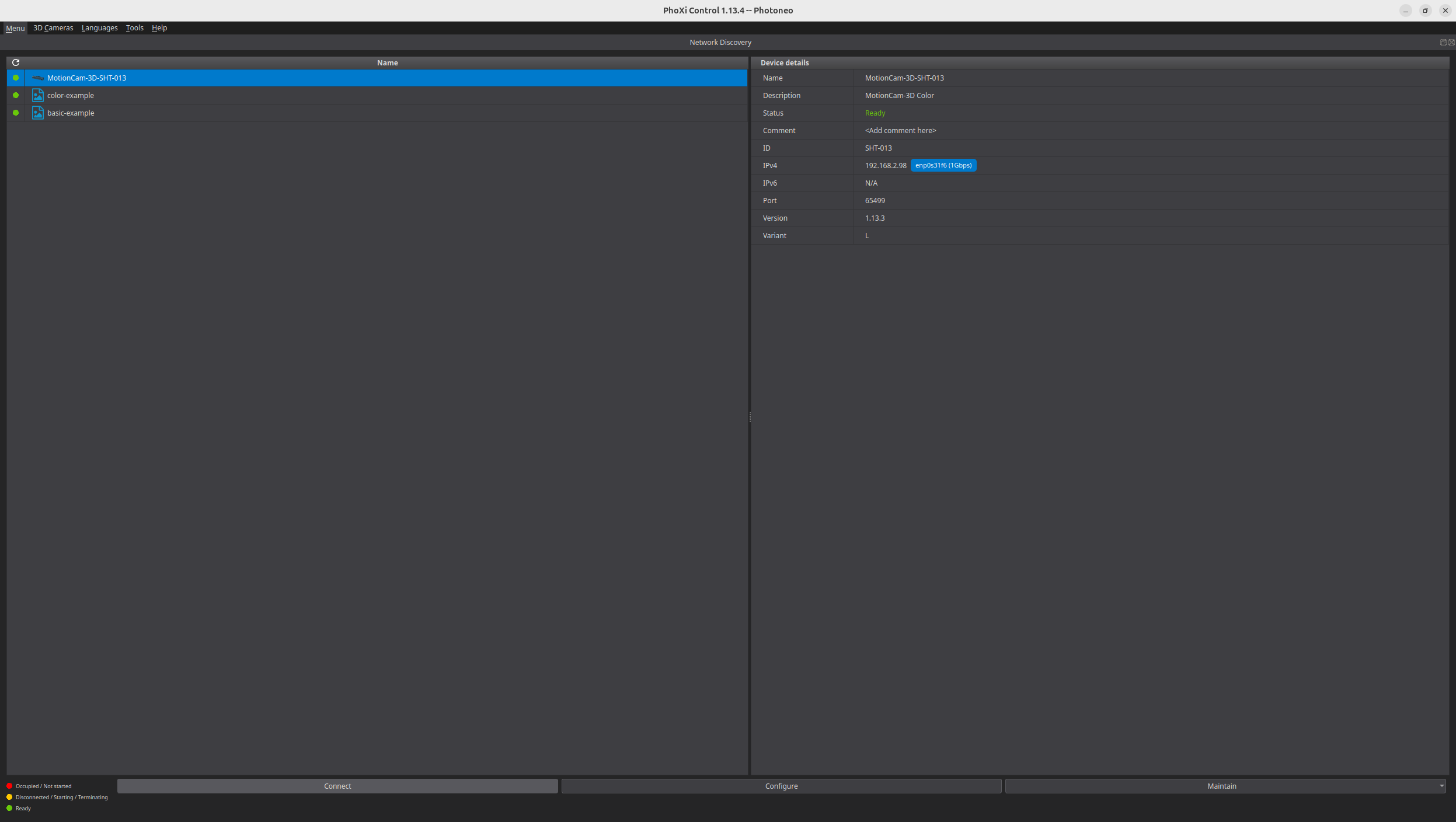
Download and install PhoXi Control. Make sure your camera is accessible through the local network from the PC used for image capture, then select it in the list appearing on the left side of the window, and click Connect at the bottom:
Click on the Trigger icon in the upper part of the main screen to record an image.
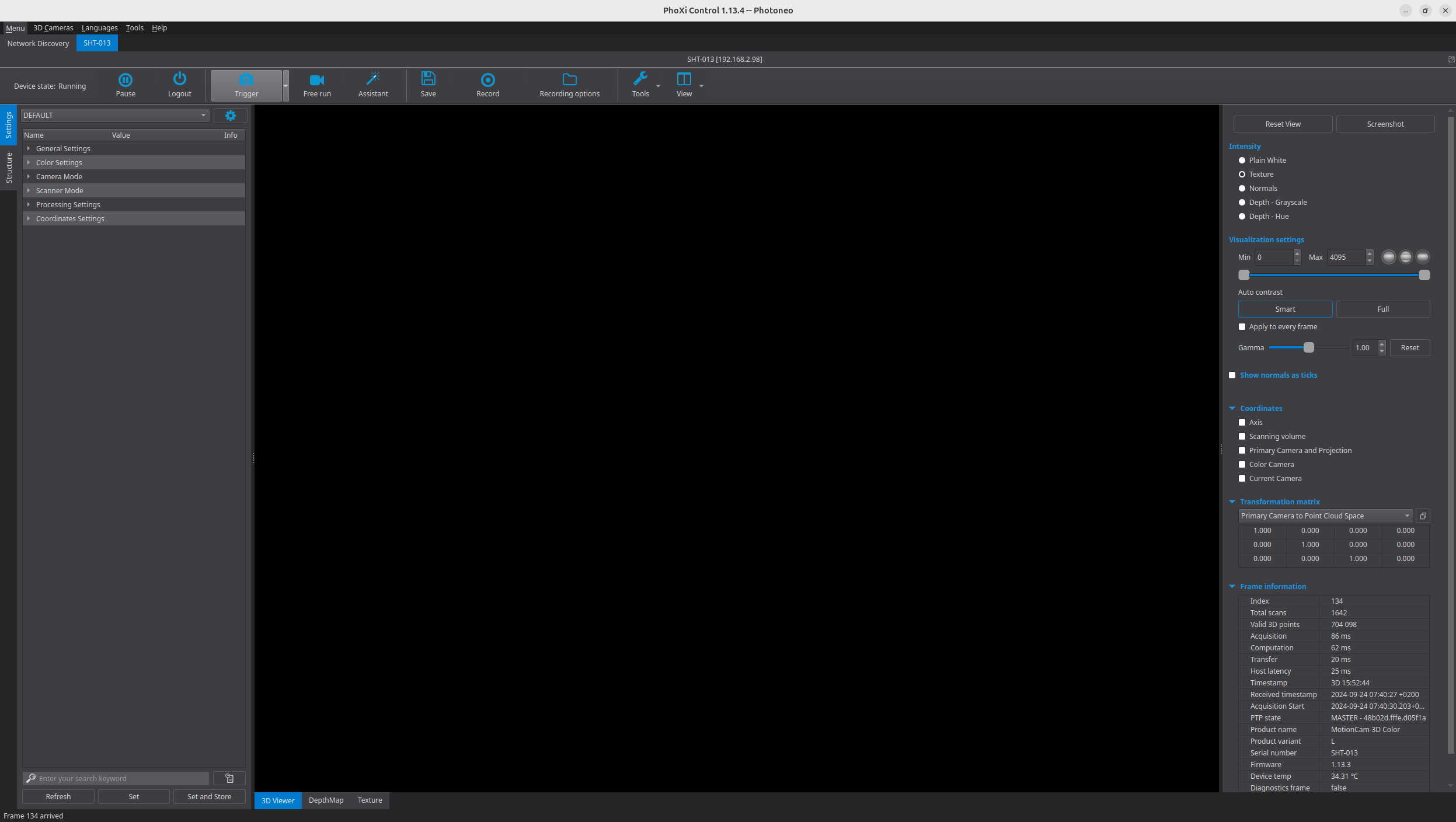
Then click on the Save. In the dialog that appears, check the box next to Depth Map under Saving Options and make sure the selected file type for export is RAW data format into TIF:
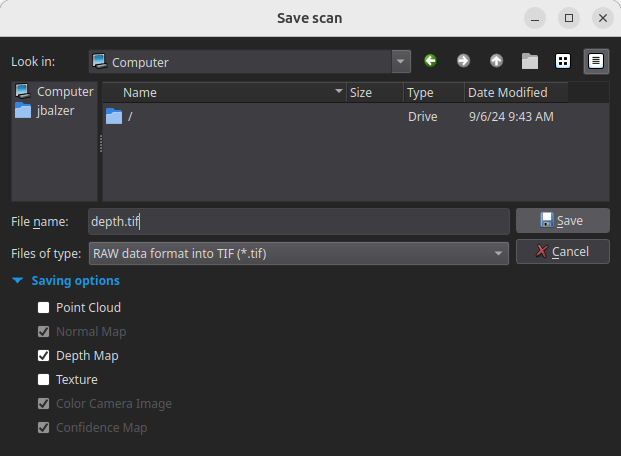
Click on Save to write the image to disk.
Tested with:
- MotionCam-3D Color L