Zivid 3D Cameras
Acquiring and Exporting Depth Maps
Head over to the Zivid download site, get, and install:
- Telicam driver
- Zivid SDK
- Zivid Studio
For Windows users, all three are bundled inside the Zivid Studio installer.
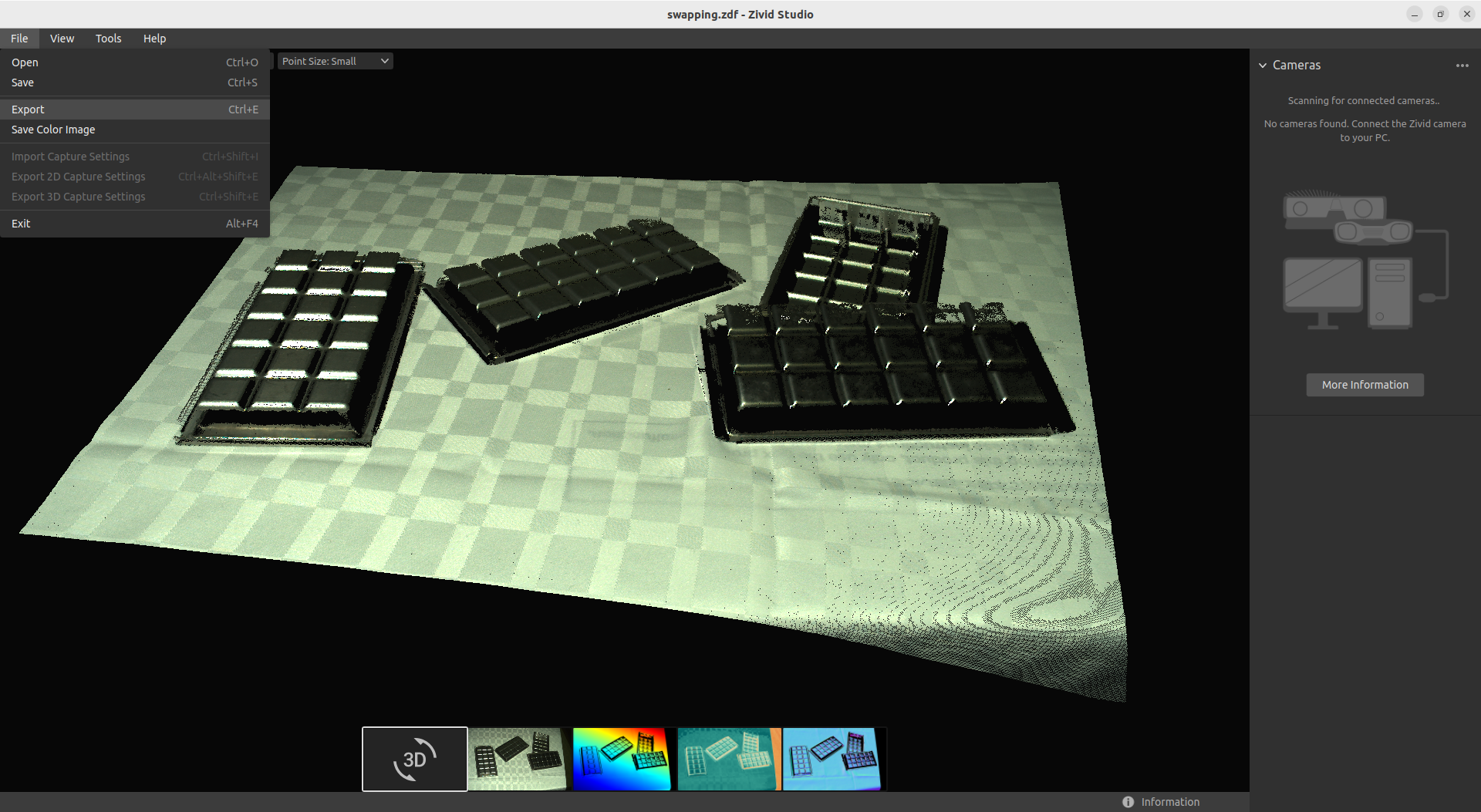
Make sure to select “PLY File - Ordered Points” as file type:
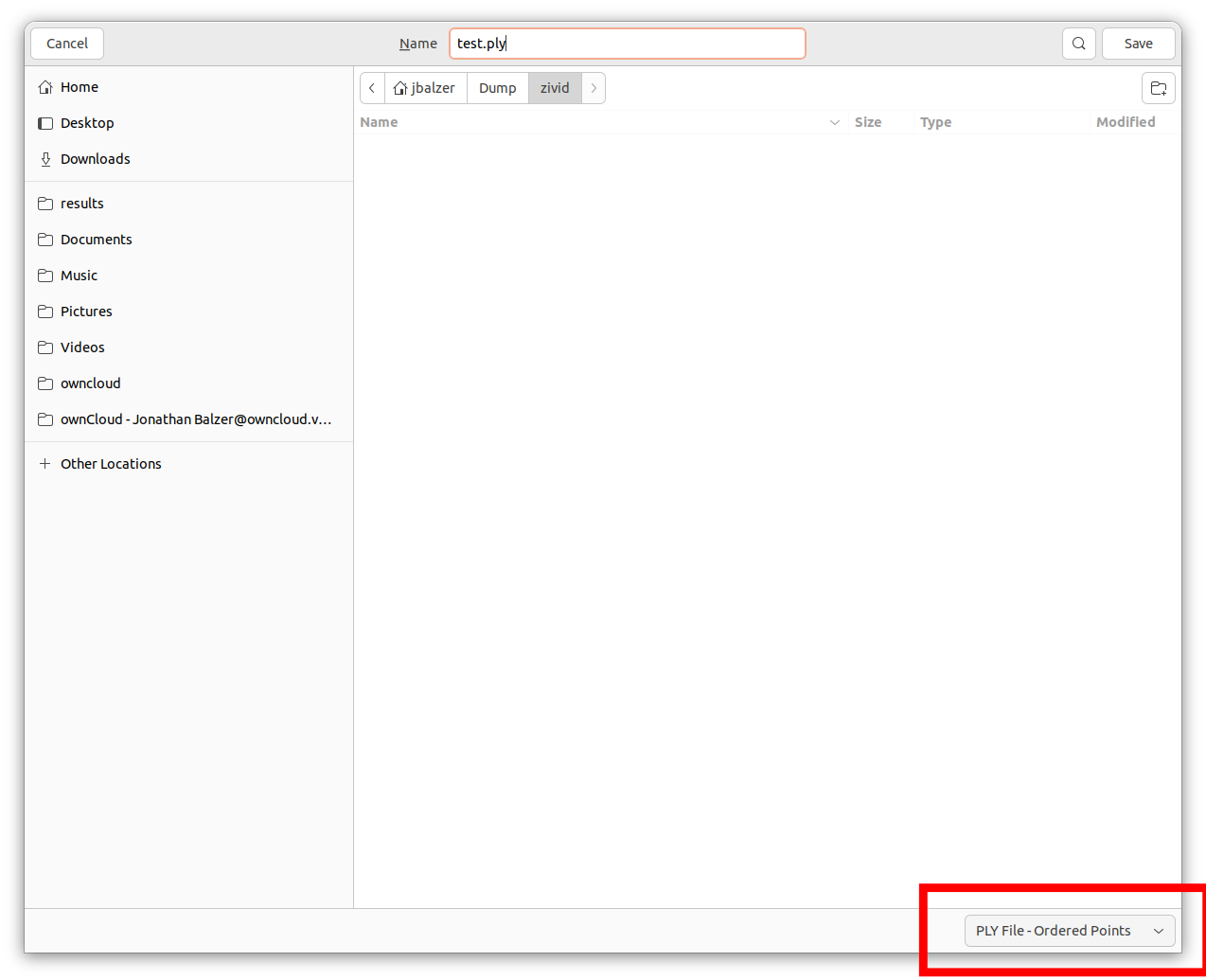
Beware the default option “PLY File - Unordered Points” will render the file unprocessable by the Vathos API.
Image Capture on the Edge
Installation of the Connector Service
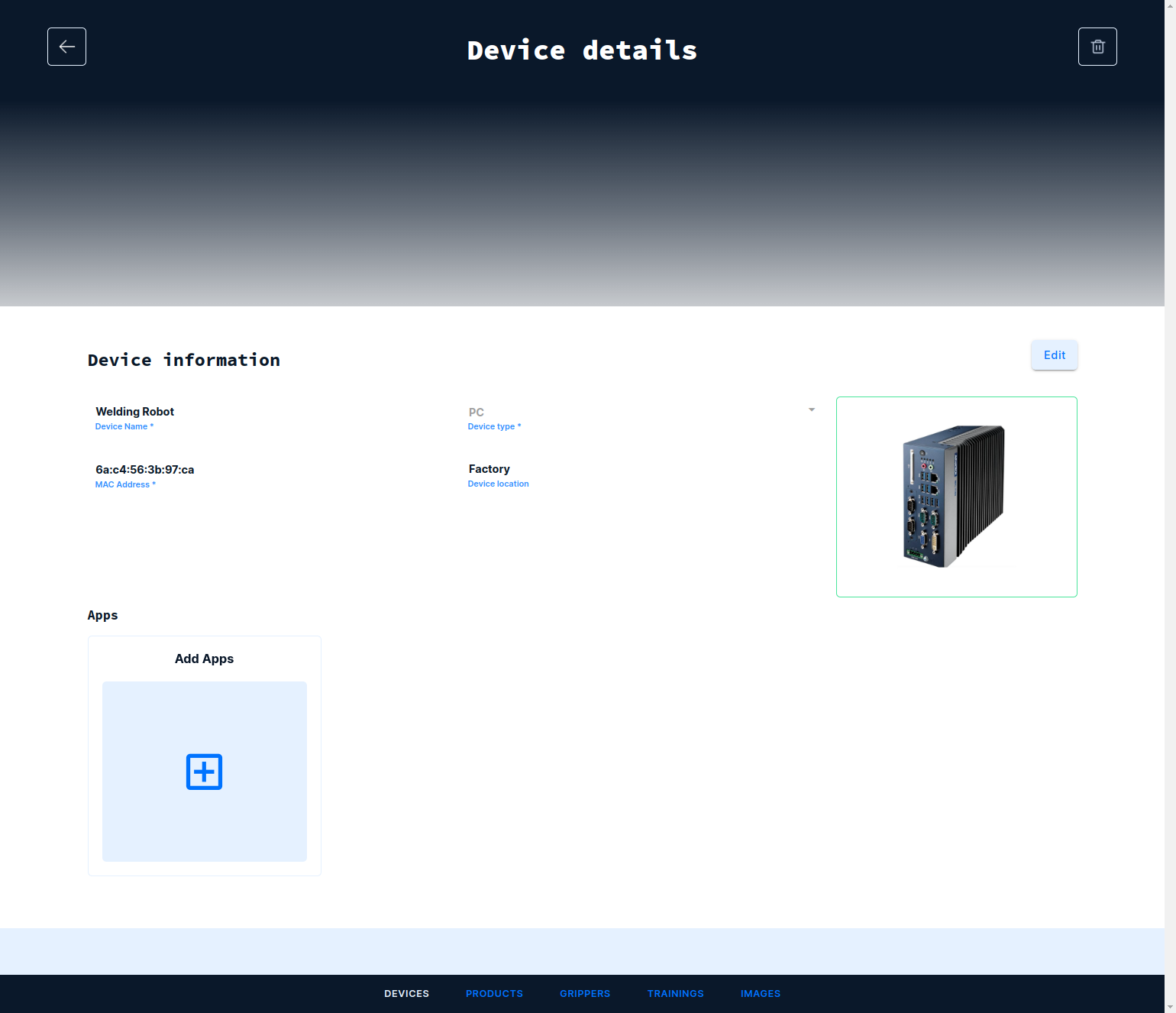
Navigate to the Devices tab and open the device to which the camera is connected. Under Apps click on the card with the title Add Apps:
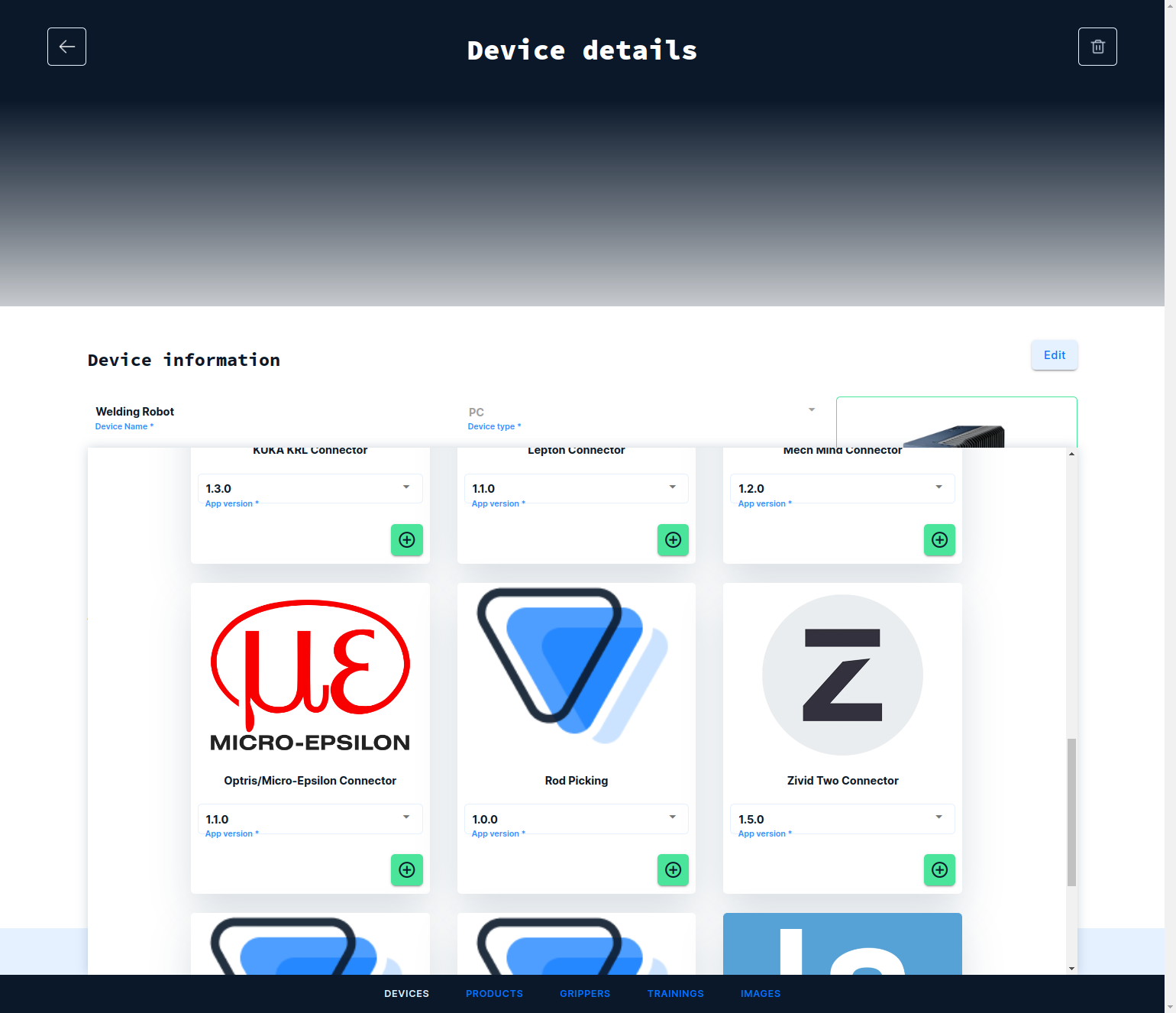
From the catalog of app, select the Zivid Connector by clicking on the plus icon and next the save icon on top of the screen:
Tested with:
- Zivid 1
- Zivid 2/2+